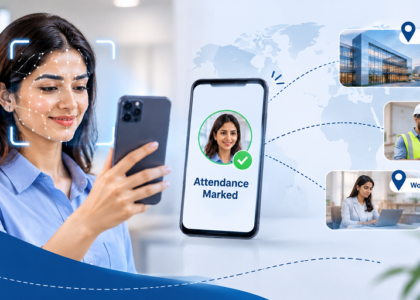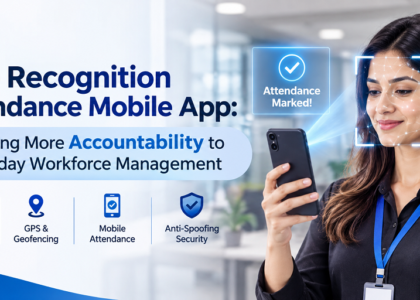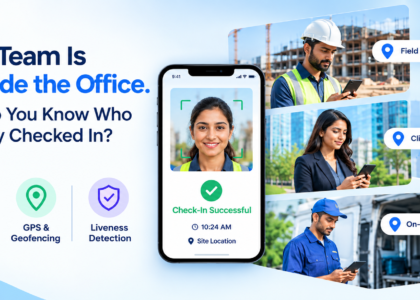

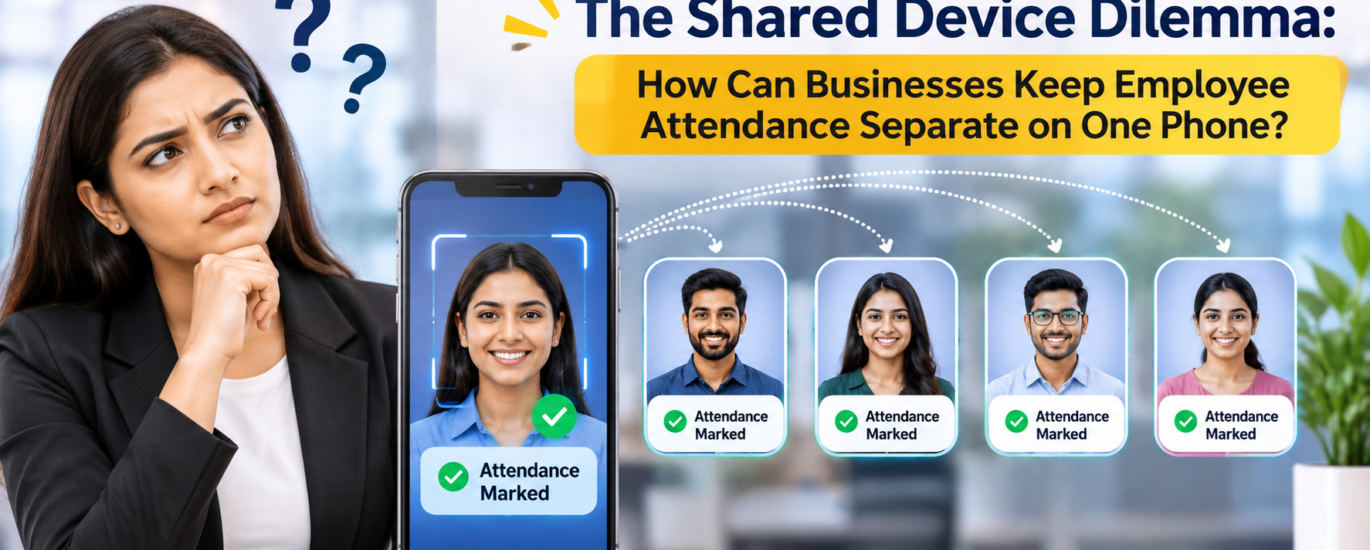
When multiple employees depend on a single smartphone to mark their attendance, maintaining accurate individual records becomes more important than ever.
Not every workplace provides a dedicated smartphone to every employee. In factories, small offices, warehouses, retail outlets, and field-based operations, employees may share one company-owned device to complete their daily tasks. While this arrangement reduces hardware expenses, it introduces an important question for HR teams: How can one phone maintain separate, reliable attendance records for several employees?
The challenge is not simply recording who arrived at work. It is ensuring that every check-in and check-out belongs to the correct person.
When One Phone Becomes an Attendance Challenge
Imagine a warehouse where 15 employees use one mobile phone kept near the entry point. Each employee needs to record their arrival before starting work.
Without a proper attendance process, several problems can arise:
Identity Confusion: HR may struggle to determine which employee actually marked attendance.
Shared Login Issues: When employees use the same account, individual attendance records can become mixed.
Incorrect Attendance Entries: A check-in may accidentally be recorded under another employee’s profile.
Time Management Problems: Employees may have to wait for others to finish using the device.
Manual Record Corrections: HR teams spend additional time verifying entries and correcting attendance data.
Over time, these small mistakes can create larger issues in payroll calculations, employee accountability, and workforce management.
Why Individual Identity Matters More Than the Device
A common mistake in shared-device attendance management is treating the mobile phone as the primary identity.
However, a smartphone is only a recording tool. The employee should remain the centre of the attendance process.
Every attendance entry needs to be connected to the individual employee, rather than simply being associated with the device being used.
For businesses, this means adopting a system that can distinguish between employees even when they use the same smartphone.
An effective attendance solution should support individual employee identification, separate attendance records, and reliable check-in and check-out tracking.
How Can Businesses Manage Shared-Device Attendance Effectively?
Businesses do not necessarily need to purchase multiple smartphones to maintain accurate attendance. A structured digital attendance process can make shared-device usage more manageable.
Here are some important practices:
- Maintain Separate Employee Profiles
Every employee should have an individual identity within the attendance system. Their attendance history, check-in times, and check-out records should remain separate from everyone else’s.
- Use Face Recognition for Employee Identification
Face recognition can help identify employees without requiring everyone to remember or enter another employee’s login credentials. It adds an identity-verification layer to the attendance process.
- Introduce Liveness Detection
Simply matching a face is not always enough. Blink-based liveness detection adds another verification step by checking for a real person’s presence during the attendance process.
- Keep Attendance Records Organised
HR teams should be able to review employee-wise attendance instead of sorting through entries associated with a shared device. Proper digital records make attendance monitoring and reporting easier.
- Establish a Consistent Check-In and Check-Out Process
Employees should follow the same attendance procedure every day. A consistent process reduces confusion and makes it easier to identify missing or incorrect entries.
How iLoggedIn Supports Smarter Attendance Management
This is where iLoggedIn by TechIndia Software helps businesses move towards a more organised attendance process.
Designed to simplify workforce attendance management, iLoggedIn uses face recognition technology to help businesses record employee attendance digitally.
Its key capabilities include:
Face Recognition Attendance: Helps identify employees during attendance marking.
Blink-Based Liveness Detection: Adds an additional layer of verification to the face recognition process.
Individual Attendance Records: Helps maintain employee-wise attendance information.
Check-In and Check-Out Tracking: Supports digital recording of working hours.
Centralised Attendance Management: Helps HR teams access and review attendance information more conveniently.
For businesses exploring shared-device attendance, the system’s device configuration and employee access workflow should be aligned with their operational requirements to ensure that multiple employees can use the intended device setup correctly.
The Bigger Picture: Better Records Without More Devices
The shared-device dilemma is not really about the number of smartphones available in a workplace. It is about how effectively a business identifies its employees and manages their attendance.
Investing in additional hardware may not always be the most practical solution. Improving the attendance process can be a better starting point.
With the right digital system, businesses can reduce manual attendance-related work, improve record organisation, and create a more accountable workplace.
One phone can serve multiple employees, but every employee deserves an independent and accurate attendance record.
Explore how iLoggedIn can support smarter workforce attendance management.
Website: https://iloggedin.com