
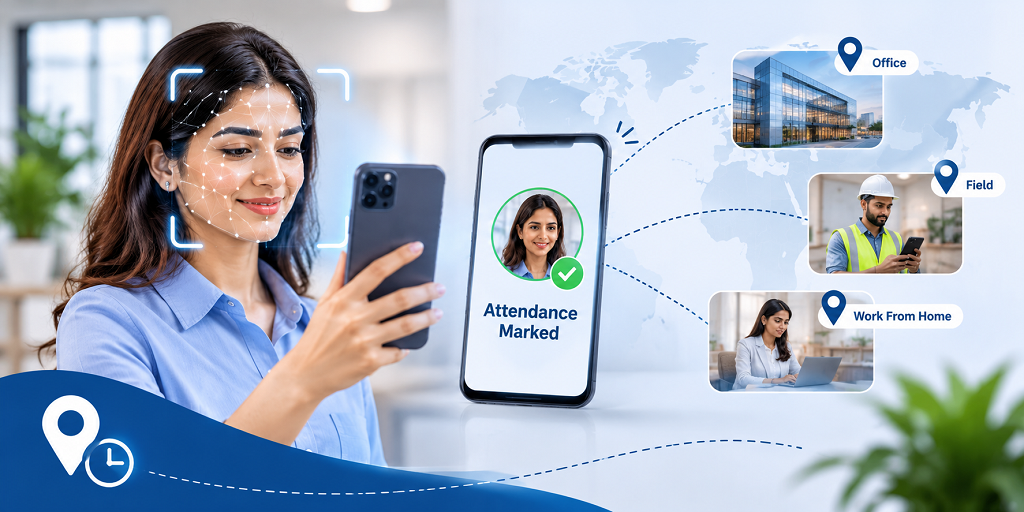
Managing employee attendance becomes more complicated when a business operates across multiple locations. Some employees work from the office, others travel for client meetings, and some manage their responsibilities remotely.
In such situations, maintaining accurate attendance records is not just about recording arrival and departure times. Businesses also need a reliable way to verify employee identity and understand where attendance activities take place.
This is where a facial attendance app can make a meaningful difference.
Why Traditional Attendance Methods Are Not Enough Anymore
A single office attendance register may work for a small team, but it becomes difficult to manage when employees have different working arrangements.
Consider a company with an office team, field executives, and employees working from home. The HR department may receive attendance updates through different channels, making it harder to maintain consistent records.
Common challenges include:
- Employees forgetting to mark their attendance.
- Difficulty verifying who actually checked in.
- Separate attendance records for different work locations.
- Delays in updating attendance information.
- HR teams spending additional time checking and correcting records.
These challenges can affect more than attendance management. They can also create confusion during payroll preparation and employee performance reviews.
How Does a Facial Attendance App Improve Employee Verification?
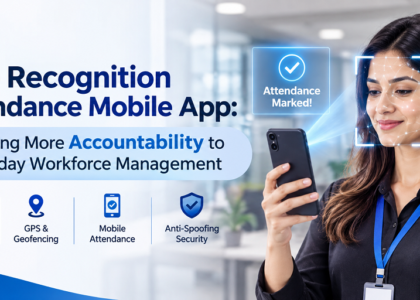
A facial attendance app uses facial recognition technology to identify employees during check-in and check-out.
Instead of depending entirely on fingerprint scanners, ID cards, or manual entries, employees can use their registered facial identity to record attendance through a mobile device.
This makes the process more convenient, particularly for businesses where employees do not always work from the same physical location.
However, identity verification is equally important. Simply capturing a face should not be the only requirement for recording attendance.
Features such as blink-based liveness detection add another layer of verification by checking for a real, live person during the attendance process.
This helps businesses establish greater confidence in their attendance records.
One Attendance System for Different Working Environments
Every employee does not follow the same work routine. A field executive may visit multiple client locations, while an office employee follows a fixed schedule.
An effective attendance solution should accommodate these differences without creating separate systems for every department.
A modern facial attendance app can support different attendance requirements, including:
1. Office-Based Attendance
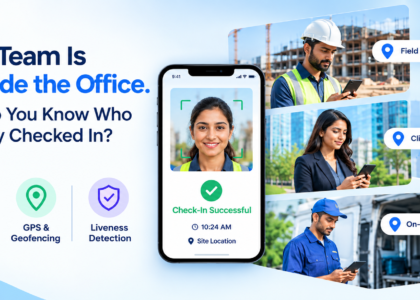
Employees can mark their attendance within the designated company location using GPS-based location verification.
2. Field Employee Attendance
Employees working outside the office can record attendance according to the company’s configured attendance permissions.
3. Work-From-Home Attendance
Businesses can manage remote employee check-ins without requiring employees to visit the office physically.
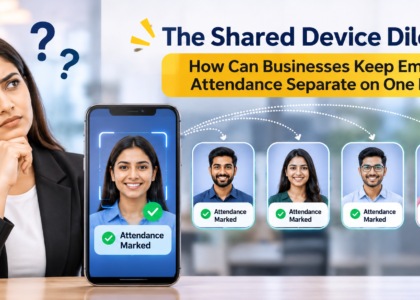
4. Single-Device Attendance
For businesses that prefer a shared attendance device, a configured single-device mode can help employees record their attendance through one designated device.
These options allow businesses to manage different employee categories through a more organised approach.
What Should Businesses Look for Before Choosing an Attendance App?
Not all applications for attendance have the same features. Before selecting one, businesses should consider more than just its check-in functionality.
Here are some important features to evaluate:
When an employee is present, facial recognition technology helps confirm their identification.
- Blink-Based Liveness Detection: Adds an additional layer of live-person verification.
- GPS Geofencing: Helps establish whether attendance is being recorded within an authorised location.
- Multiple Attendance Modes: Supports different employee working arrangements.
- Leave Management: Helps HR teams manage employee leave information.
- Attendance Reports: Makes it easier to review and monitor attendance records.
- Payroll Support: Helps organise attendance and leave information for payroll-related processes.
Having these capabilities within one application can reduce the need to manage multiple disconnected tools.
How iLoggedIn Brings Attendance and Employee Management Together
iLoggedIn, powered by TechIndia Software, is designed to help businesses manage employee attendance through AI-powered face recognition.
It combines employee identity verification with practical attendance management features, making it suitable for organisations with office-based, remote, and field employees.
With features such as blink-based liveness detection, GPS-based attendance, configurable attendance modes, leave management, and attendance reporting, iLoggedIn helps businesses bring important workforce management activities together.
Instead of depending on different methods to maintain attendance information, organisations can manage their employee attendance through a centralised application.
Final Thoughts
As workplaces become more flexible, attendance management needs to move beyond simply recording working hours.
Businesses need a system that considers employee identity, working locations, and different attendance requirements while keeping the process convenient for everyone.
Choosing the right facial attendance app can help organisations build a more organised and accountable approach to workforce management.
With iLoggedIn, businesses can take a step towards smarter employee attendance management.
Website: https://www.iloggedin.com/